Ask ten vendors for the best AI for small business and you'll get ten product pitches. Ask an operator and you'll get a different answer: the best AI is whatever actually gets wired into the way your business runs. A tool nobody uses isn't an advantage.
It's a subscription.
Roughly 63% of Canadian companies now use AI in some form. And here's the part that hurts: most of their employees have had no formal training on it. That gap is the real story of 2026. The businesses pulling ahead aren't the ones with the most tools. They picked a few, implemented them properly, and trained their people to use them every day.
I wrote this guide for Canadian owners running companies under 50 people. It's organized by business function, it's tool-agnostic, and it's honest about where AI pays for itself and where it quietly wastes money.

What "Best AI for Small Business" Actually Means
Stop thinking in brand names and start thinking in categories. For a sub-50-person company, five categories of AI do almost all of the useful work:
- General AI assistants for writing, analysis, and research.
- Meeting and note-taking AI that turns conversations into summaries and action items.
- CRM and follow-up automation that keeps leads moving without a human pushing every button.
- AI receptionists and voice agents that answer calls and book appointments.
- Content and marketing generators for drafts, variants, and repurposing.
Here's the thing: the right question is never "which tool is best." It's "which function in my business is bleeding the most hours or the most leads." Answer that first and the tool choice almost picks itself.
Admin: The Fastest Hours You Will Get Back
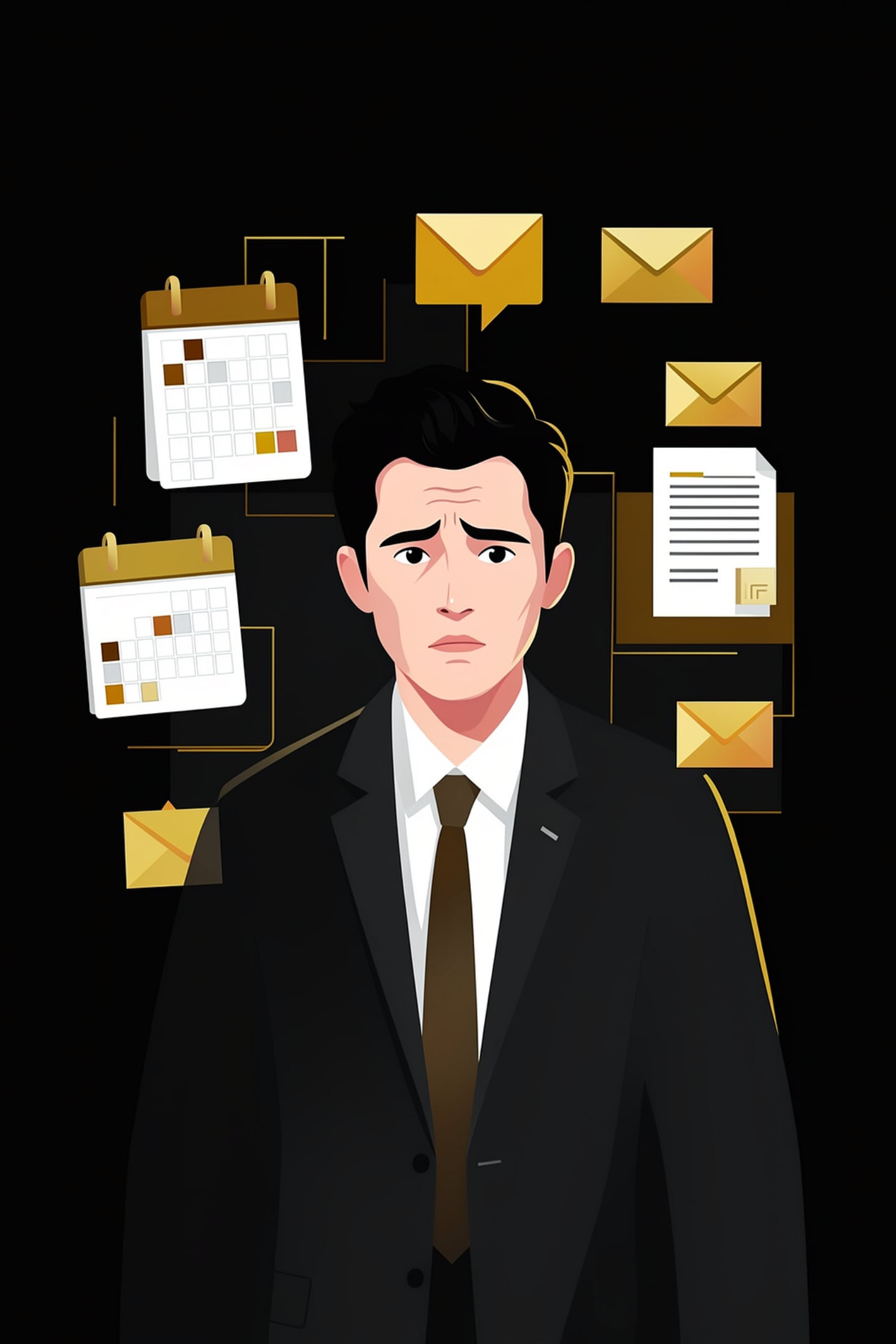
Admin is where I tell most owners to start, because admin is where the hours are. Email triage, meeting notes, proposal drafts, document summaries, scheduling: none of it is billable, and all of it eats your calendar.
A properly set up AI assistant drafts your routine replies, summarizes long threads, turns meeting recordings into action lists, and produces the first 80% of any document you write more than twice. Our promise at ATP is blunt: an owner with a working AI setup should get about four hours a day back. Most of those hours live in admin.
The catch is setup. An assistant that knows nothing about your business writes generic text. One that's connected to your calendar, your inbox, and your documents starts operating like a chief of staff. That's the difference between downloading an app and building a command center, which is exactly what our AI for Owners build delivers: dashboards, custom skills, and connectors wired into the systems you already run.
Sales: Follow-Up Is Where AI Pays for Itself
Sales AI has one job in a small company: make sure no lead dies of neglect. Most small businesses don't have a lead problem. They have a follow-up problem. Enquiries sit for hours, quotes go out with no reminder behind them, and the CRM is a graveyard of contacts nobody touched twice.
I learned this the hard way scaling a SaaS company city by city. By the fourth city our CRM data was such a mess that we had no choice but to stop and clean it, record by record, before we could grow again. Follow-up doesn't fail because your people are lazy. It fails because nobody can chase leads they can't trust.
The highest-value moves are unglamorous. Automatic speed-to-lead responses within minutes of an enquiry. Follow-up sequences that run until a real conversation starts. AI-drafted check-in messages the rep approves instead of writes. Call notes captured automatically so the pipeline reflects reality instead of memory.
Notice what's not on that list: replacing salespeople. At this scale, AI doesn't close deals. It removes the drops between conversations so your people spend their time selling instead of chasing.
Customer Service: Stop Losing Calls You Already Paid For
Every missed call is revenue you already earned. You bought the ad, won the referral, or ranked for the search, and then the phone rang out at 6:10 pm. For trades, clinics, and service businesses, this is usually the single largest leak in the company.
Read that again. You already paid for that call.
The AI receptionist category exists to close the leak. An always-on agent answers the phone, handles common questions, books appointments straight into your calendar, and follows up by text. Kaylee, our own receptionist product built on GoHighLevel, does exactly that: she answers, books, and follows up while your team works.
The honest caveat: voice AI is only as good as the process behind it. If your booking calendar, service list, and escalation rules are a mess, the AI will represent that mess to your customers at scale. Clean the process first, then automate it.
Marketing and Operations: Useful, but Second Priority
Marketing AI is genuinely useful and consistently oversold. It'll draft posts, repurpose one video into ten pieces of copy, generate ad variants, and outline email campaigns in minutes. What it won't do is sound like you by default. Left on autopilot, AI marketing reads exactly like everyone else's, because it's drawing from the same well.
Treat it as an accelerator, not an author. A human sets the message and the voice, AI produces the volume, and a human edits before anything ships.
Operations is quieter but often better value. AI can draft SOPs from a screen recording, summarize weekly numbers instead of leaving you to spreadsheet archaeology, write job postings, and flag the trends hiding in data you already collect. If your team asks you the same question twice a week, AI can write the document that ends it.
The Failure Mode: Buying Tools Without Implementation

Here's the pattern I've watched repeat for years. An owner hears about a tool on a podcast, buys three subscriptions in a weekend, uses them twice, and cancels by month three. The tools were fine. The implementation never happened.
Implementation means mapping the actual workflow, connecting the tool to the systems it needs to touch, setting guardrails on what it can and cannot do, and training the team until the new way is the default way. Skip any of those steps and you've bought shelfware. That discipline is the whole reason AI integration exists as a service category, and it's why we treat adoption as the product, not the software.
This is an operator's problem, not a technical one. I'm Tyler Fikowski, and before ATP I was the first salesperson through the door at a startup, scaled it to nine cities, 136 internal reps and over 70 contractors across six countries. Systems only count when people run them. That's more true of AI than anything that came before it.
When should you bring in outside help? Three signals: you've bought tools twice and they didn't stick, AI is about to touch customer data, or you're the only person in the building who understands the setup. We break down exactly what that engagement looks like in our guide to what an AI consultant actually does.
Costs, Privacy, and Grants: The Canadian Reality
Costs. For most companies under 50 people, a working AI stack runs a few hundred dollars a month in CAD, not a few thousand. The expensive part is never the software. It's the owner's time burned on tools that never get adopted, and the leads that leak while the stack sits half-configured.
Privacy. PIPEDA holds your business accountable for the personal information you collect, and that accountability follows the data into any AI tool you feed it to. Know where the data is stored, read the vendor's data-use terms, and keep sensitive customer records out of consumer-grade tools. This is a solvable problem, but it has to be solved on purpose.
Grants. Training is the step most owners skip, and in Alberta it's the step the government will help pay for. The Canada-Alberta Productivity Grant covers 50% of eligible third-party training costs, up to $5,000 per trainee per year, and digital and technological competencies are an explicitly eligible category. We cover the full mechanics, including timelines and eligibility, in our guide to AI training grants in Alberta.
AI Business Solutions in Canada: What We Actually Build
Reading about tools is one thing. Shipping is another. We have built AI chatbots and receptionists for: The Crossing Resort in the Alberta Rockies, a Vancouver company, a landscaping company, a hotel, a Calgary based travel agency, Calgary's largest locksmith, and a general contractor. Different industries, same result: the machine answers first, every time, and a human steps in exactly where judgment is needed.
If you are comparing AI business solutions in Canada, or weighing AI services for business against hiring another admin, the thing to check is not the tool list. It is whether anyone will actually implement it in your operation. Business AI in Canada fails in the gap between buying and using, which is the exact gap we close.
We build AI systems for Canadian service businesses from our Calgary office, and increasingly for owners across North America: Canada and the United States run on the same stack, the same AI receptionist, the same implementation process. Geography stopped being the constraint the day this went remote.
Frequently Asked Questions
What is the best AI for a small business in Canada?
There is no single best tool. The best AI for small business is the category that fixes your biggest leak: an AI assistant for admin overload, follow-up automation for a leaky pipeline, or an AI receptionist for missed calls. Pick the function first, then pick the tool.
How much does AI cost for a small business in Canada?
For most companies under 50 people, a working stack costs a few hundred dollars a month in CAD. The real investment is implementation. Budget more energy for wiring tools into your workflow than for the subscriptions themselves.
Do I need technical staff to use AI in my business?
No. Modern AI tools are built for non-technical users. What you need is either the patience to set them up properly or a partner who does implementation for a living. Most failed AI projects fail on adoption, not on technology.
Is AI safe to use with customer data under PIPEDA?
It can be, if you choose tools deliberately. PIPEDA keeps your business accountable for personal information, including anything you run through AI. Check where data is stored, review vendor terms, and keep sensitive records out of consumer-grade tools.
Are there grants for AI training in Canada?
Yes. In Alberta, the Canada-Alberta Productivity Grant covers 50% of eligible third-party training costs up to $5,000 per trainee per year, and digital and technological competencies qualify. Applications must go in at least 30 days before training starts.
What is the fastest AI win for a small business?
Answering every call and enquiry. An AI receptionist or automated follow-up sequence converts leads you are already paying for into booked appointments, usually within the first month. Admin automation for the owner is a close second.
Get an AI Plan Built Around Your Business
The best AI for your business is the one that gets implemented, adopted, and used every day. That takes a plan, not another subscription. ATP AI builds that plan with Canadian owners from our Calgary HQ, from done-for-you command centers to hands-on team training with guardrails.
Here's what to do this week: pick the one function bleeding the most (missed calls, dead leads, or your own calendar), write down what it costs you every month, and fix that one thing first. The goal isn't hype. It's reliable performance.
Book a call with ATP AI and we'll map your first ninety days with AI before you spend another dollar on tools.
Want more guides like this in your Google results?