Most business owners aren't short on AI tools. They're short on time, and the tools they've collected usually make it worse. A chatbot in one tab, a scheduling app in another, a CRM that promises automation it never quite delivers. A lot of software, not much relief.
Here's the thing: AI for business owners is a different category than AI for employees. A rep needs help with tasks. An owner needs help with the whole operating picture: what came in overnight, what needs a decision, what's stalled, and what moves revenue today. That's the job of a custom AI command center, and it's exactly what I build through AI for Owners at ATP AI in Calgary.
This guide walks through what a command center actually does across a working day, why it beats a pile of scattered subscriptions, and how the 4-hours-a-day math holds up when you lay it out honestly.

The Owner's Day Before a Command Center
Here's the day most owners are actually running. The morning starts with 60 to 90 minutes of inbox: sorting real leads from spam, chasing threads, forwarding things that should never have hit your desk. Then a scan across the CRM, the bank feed, the ad account, and the project tracker. Each behind its own login. Each telling a fraction of the story.
Midday goes to meetings and firefighting. The actual leadership work, pricing, hiring, the deal that grows the company, gets shoved to the evening, when you've got the least energy left for it. I've watched this pattern repeat with every owner I work with. The problem isn't effort. The problem is that you've become the integration layer between a dozen systems that don't talk to each other.
Read that again. You are the middleware.
That's a systems problem, and it has a systems answer.

AI for Business Owners: The Five Parts of a Command Center
A command center isn't one app. It's one operating layer built on top of the tools you already run. When I set one up, five components do the heavy lifting:
- Inbox triage. The AI reads incoming email against rules you set: real lead, existing client, vendor, junk. Junk gets filtered, routine items get drafted replies for your approval, and the two or three messages that genuinely need you rise to the top. You review drafts and hit send. The AI never sends on its own.
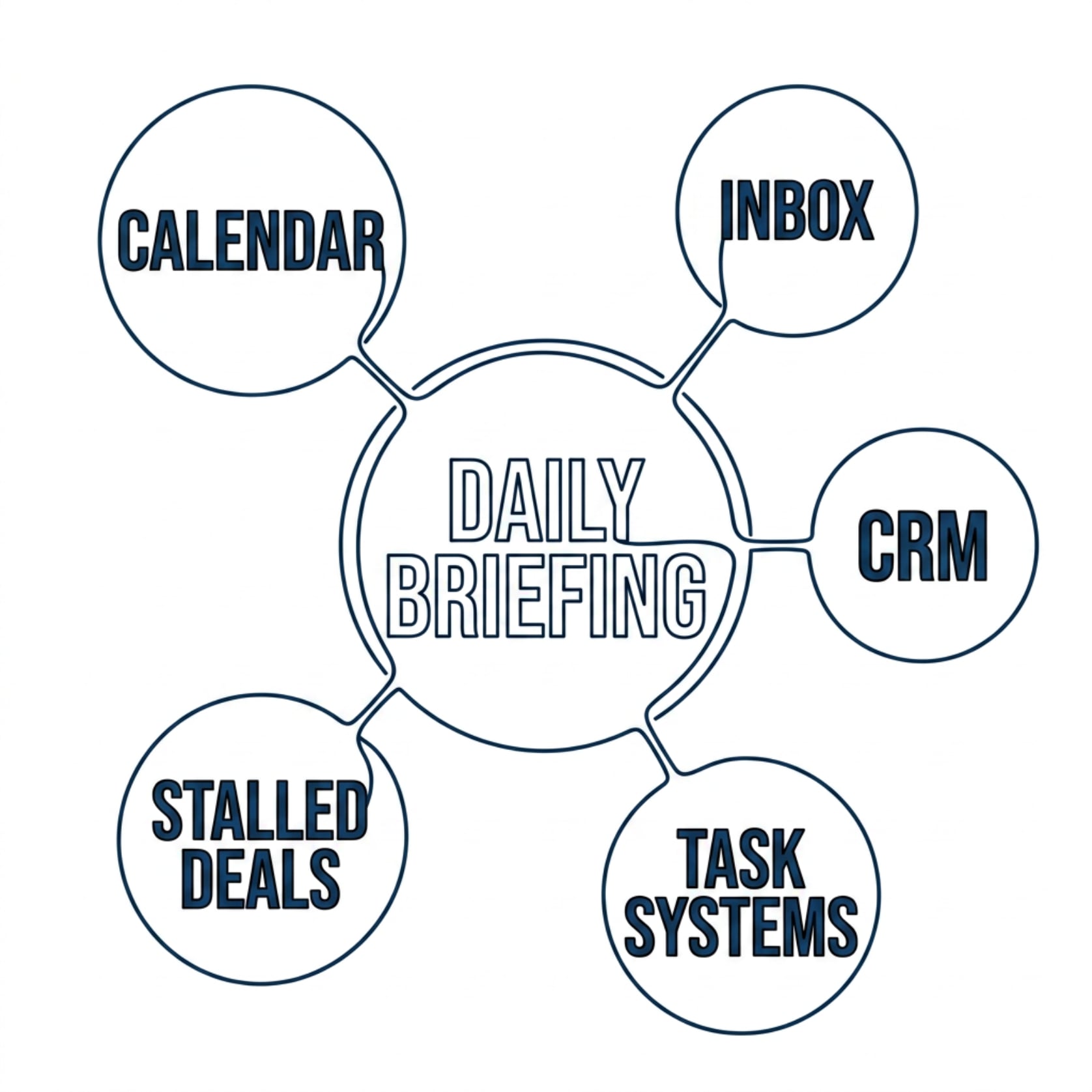
- A daily briefing. One morning summary that pulls from your calendar, inbox, CRM, and task systems: today's meetings, overnight leads, stalled deals, deadlines this week, and the single highest-leverage move of the day. Ten minutes of reading replaces an hour of tab-hopping.
- Live dashboards. Pipeline, cash position, marketing activity, and project status in one view, refreshed from the source systems. You stop asking "where are we at?" in meetings because you already know.
- Custom skills. Repeatable jobs, written down once and run on demand: the weekly client report, the proposal draft in your voice, the follow-up sequence after a sales call. Each skill encodes how you want the work done, so the output is yours, not generic.
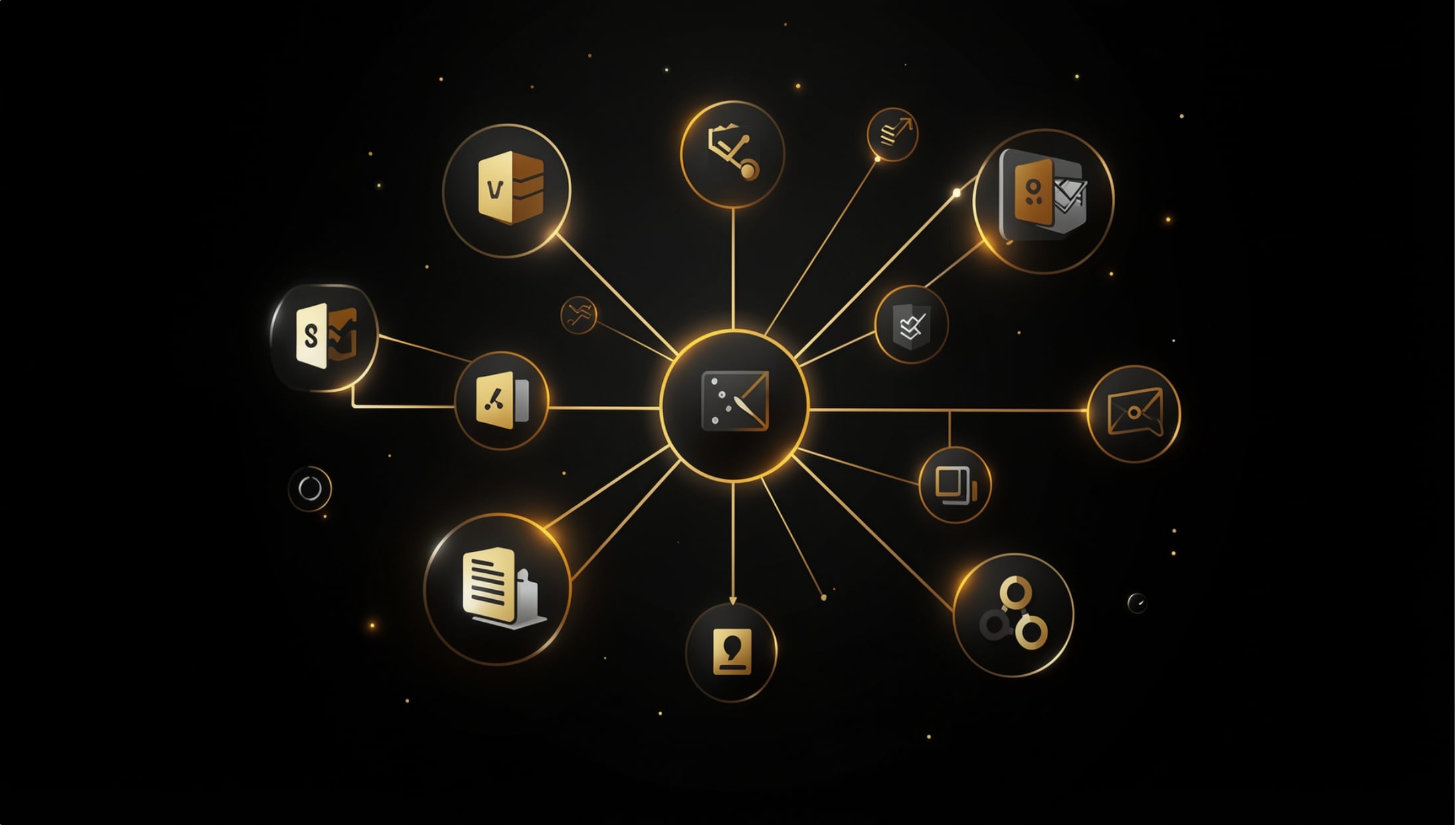
- Connectors. The plumbing that wires the AI into your actual accounts: email, calendar, CRM, accounting, project management. Without connectors you've got a clever chatbot. With them you've got an operator.
Notice what's missing from that list: nothing here asks you to change how you run the business. The command center is built around your existing stack. That wiring work is the core of my AI integration practice.
Why Owner-Level AI Beats Scattered Tools
Roughly 63% of Canadian companies now use AI in some form, yet most employees have had no formal training on it. And here's the part that hurts: the typical result is a drawer full of disconnected subscriptions. A writing tool here, a meeting notetaker there, each solving a sliver of one person's job and none of them talking to each other.
Scattered tools fail owners for three reasons. First, context: a standalone chatbot doesn't know your pipeline, your calendar, or your clients, so every session starts from zero. Second, ownership: your prompts, data, and workflows live inside someone else's product. Third, compounding: ten tools create ten logins and ten monthly bills, but no shared memory. A command center inverts all three. One system, full context, and every skill you add makes the next one more useful.
If you're still comparing individual tools, my roundup of the best AI for small business in Canada covers that layer. This post is about what sits above it.
What Done-for-You Actually Means
"Done-for-you" gets thrown around loosely, so here's my specific definition. I build the command center on a machine you own, wired into accounts you control. Connectors are configured with your credentials, stored properly, never hardcoded. Skills are written to your voice and your rules. Guardrails are explicit: draft-only on outbound email, defined boundaries on what the AI can touch, and human approval on anything that leaves the building.
When the build is done, you're not renting access to my platform. The system is yours. I train you on it, document it, and stay available as it grows. That's the difference between buying software and having an operating capability installed. It's also the honest answer to the question most owners ask first: what happens to my data? It stays where it always was. Your accounts, your hardware.
If you want the broader picture of how an engagement like this runs, I broke down what an AI consultant actually does in a separate post.
Built by an Operator, Not a Software Vendor
Systems thinking is the whole game here, and it's where I come from. I'm Tyler Fikowski. I started as an RCAF F-18 avionics technician, where checklists and diagnostics aren't optional, then ran the full sales arc: rep, leader, manager, regional manager, director. Along the way I was the first salesperson through the door at a startup, scaled it to nine cities, 136 internal reps and over 70 contractors across six countries. Somewhere around the fourth city I was cleaning CRM data at night because there was no other option. Either the systems carried the load or the growth stalled. That lesson stuck.
It matters because a command center is an operations build, not a software demo. The valuable part isn't the AI model. It's knowing which of your daily motions are worth automating, in what order, with what guardrails, and how to make the whole thing survive contact with a real business week.

The 4-Hours-a-Day Math, Laid Out Honestly
I tell owners a working command center saves about 4 hours a day. Here's where that number comes from, and where it doesn't.
- Inbox triage and drafting: 60 to 90 minutes. Reading, sorting, and writing routine replies is the single biggest recoverable block for most owners. Reviewing AI drafts takes a fraction of writing from scratch.
- Status pulling and reporting: 45 to 60 minutes. Logging into five systems to answer "how are we doing?" disappears when dashboards and the daily briefing answer it before you ask.
- Document and content production: 45 to 60 minutes. Proposals, follow-ups, job posts, client updates. Skills produce the first 80% in your voice; you edit and approve.
- Scheduling, follow-up, and context switching: 30 to 45 minutes. The small coordination tasks, plus the refocusing cost every interruption carries.
Add it up and the range is roughly 3 to 4.5 hours on a normal day. Now the honest part: you don't get that on day one. Weeks one and two you're reviewing more than you're saving, while the system learns your rules and you learn to trust its output. The full number typically shows up over the first month or two, and some days are lighter than others. What compounds is that every hour recovered goes back into work only the owner can do. That's where the return actually lives.
Frequently Asked Questions
Is a custom AI command center the same as buying a chatbot subscription for my team?
No. A subscription gives everyone a blank chat window with no access to your systems. A command center is wired into your email, calendar, CRM, and reporting through connectors, carries your context permanently, and runs defined skills with guardrails. One is a tool; the other is an operating layer.
What systems can a command center connect to?
Anything with an API or a supported connector: Gmail or Outlook, Google or Microsoft calendars, CRMs like GoHighLevel, accounting platforms, project trackers, and more. We map your stack during scoping and wire in what earns its place.
Do I need to be technical to run it?
No. You interact with it in plain language: read the briefing, approve drafts, ask questions, trigger skills. The technical work of building connectors and skills is our job, and we train you on the rest.
Is my business data safe?
The system runs on a machine you own, using accounts you control. Credentials are stored properly, nothing is hardcoded, and outbound actions like email are draft-only until you approve them. Your data does not move into a third-party platform to make the AI work.
How long until I actually save 4 hours a day?
Plan on a ramp. The build itself is fast, but the savings compound over the first month or two as the system learns your rules and you build trust in its output. Most owners feel the inbox relief in week one and the full effect within about eight weeks.
How is this different from a course or training program?
Training teaches your team to use AI themselves, and we offer that too. AI for Owners is the done-for-you track: we build the command center, hand you the keys, and coach you on running it. Many clients do both, in either order.
See What Your Before and After Looks Like
The fastest way to know what a command center would recover in your business is to walk through your actual week with me. We'll map where your hours are going, and I'll show you exactly what I'd automate first. The goal isn't hype. It's reliable performance. Book a call with ATP AI and see the plan before you commit to anything.
Want more guides like this in your Google results?