
I’m always surprised when a small businesses still operate like it’s 2015.
They’re spending Friday nights manually sending invoices. They’re responding to emails on weekends. They’re missing calls and losing customers because nobody texted back fast enough.
The problem isn’t new technology. Workflow automation has been around for a decade. The problem is that small business owners don’t know these tools exist or they think automation is too complex for their operation.
That assumption costs them growth.
The Automation Gap Keeping Small Businesses Stuck
If you’re a small business stuck at $300,000 to $400,000 in annual revenue, automation isn’t your problem. Lack of automation is.
Think about it. You finish a week of plumbing jobs, then sit down Friday night to send invoices. You spend your weekend replying to customer emails. You manually confirm every appointment.
This isn’t dedication. It’s inefficiency.
Basic automations handle invoice follow-ups, appointment confirmations, and information gathering through forms. When a customer pays an invoice, the system triggers the next step. When someone books an appointment, reminders go out automatically.
The result? More positive reviews. Better customer experience. More information captured. Less time wasted.
Platforms like Go High Level make this accessible. But most small businesses aren’t using them.

Why Small Businesses Avoid Automation
Two barriers stop adoption: awareness and perceived complexity.
Business owners don’t realize how straightforward setup can be. They assume they need to build everything themselves or hire expensive consultants.
Neither is true.
You can work with a consultant from ATP Sales & Marketing to build automations for you. Or you can start with simple, pre-built workflows that require minimal customization.
The key is starting not waiting until you understand every technical detail.

The 2025-2026 Automation Roadmap
Heading into late 2025 and throughout 2026, the automation trend is clear: AI integration layered on top of basic workflows.
But here’s what matters: you don’t need to jump straight to AI.
Start with foundational automations that free up your day. Then add AI capabilities once those workflows are running smoothly.
Three Automations to Implement First
- Missed Call Text-Back
When you miss a call, an automated text goes to the customer immediately: “Sorry, we’re with another client, but we’d love to help you. Can we answer via text or call you right back?”
This prevents lost leads while you’re busy with existing customers.
- Invoice Follow-Up
Set up a cadence that sends reminders until payment is received. No more manual tracking. No more awkward follow-up calls.
- Appointment Confirmation
Send confirmations the night before and one hour before appointments. This prevents wasted technician visits when customers forget or aren’t available.
These three automations address daily pain points. They deliver immediate ROI.
How Go High Level Changes the Game
Go High Level works because it consolidates everything into one platform: sales, marketing, payment processing, invoicing, contracts, and documents.
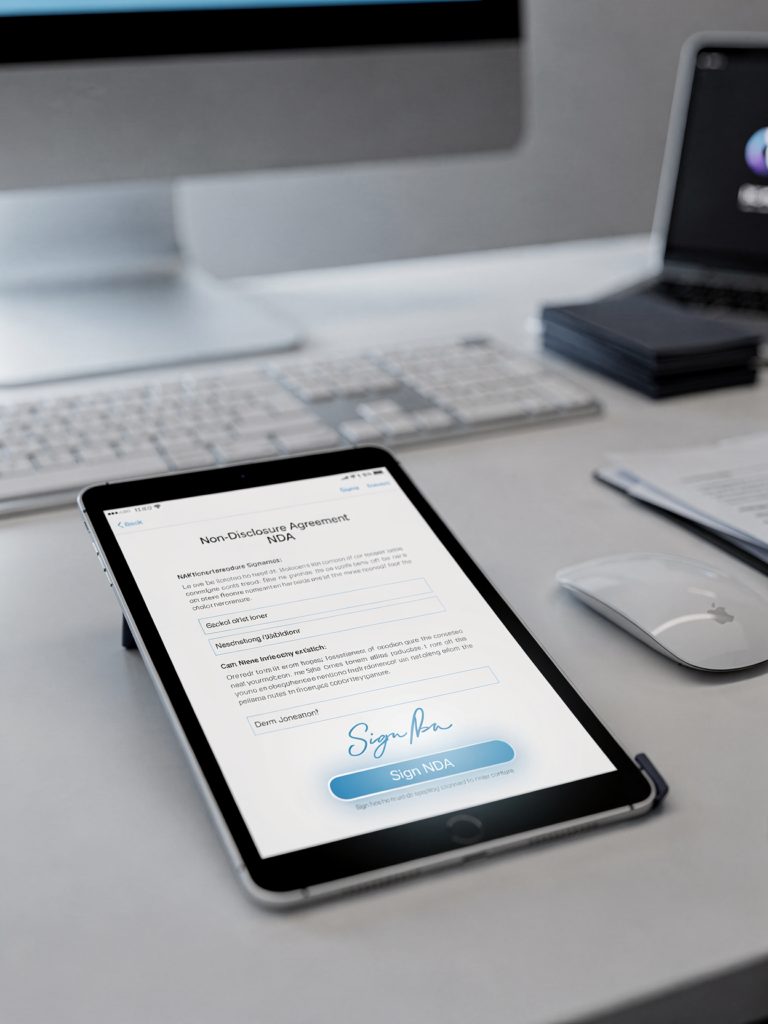
When you add automation, you can trigger workflows across these different functions. A customer moves to a new deal stage? The system automatically sends an NDA for signature. A project completes? The review request goes out without manual intervention.
Add AI on top of that, and you get voice agents handling after-hours inquiries, chatbots confirming appointments, and automated checklists sent to technicians.
The power comes from integration—not from individual tools operating in silos.
A Practical Client Onboarding Example
Let’s say you need to onboard clients after they purchase.
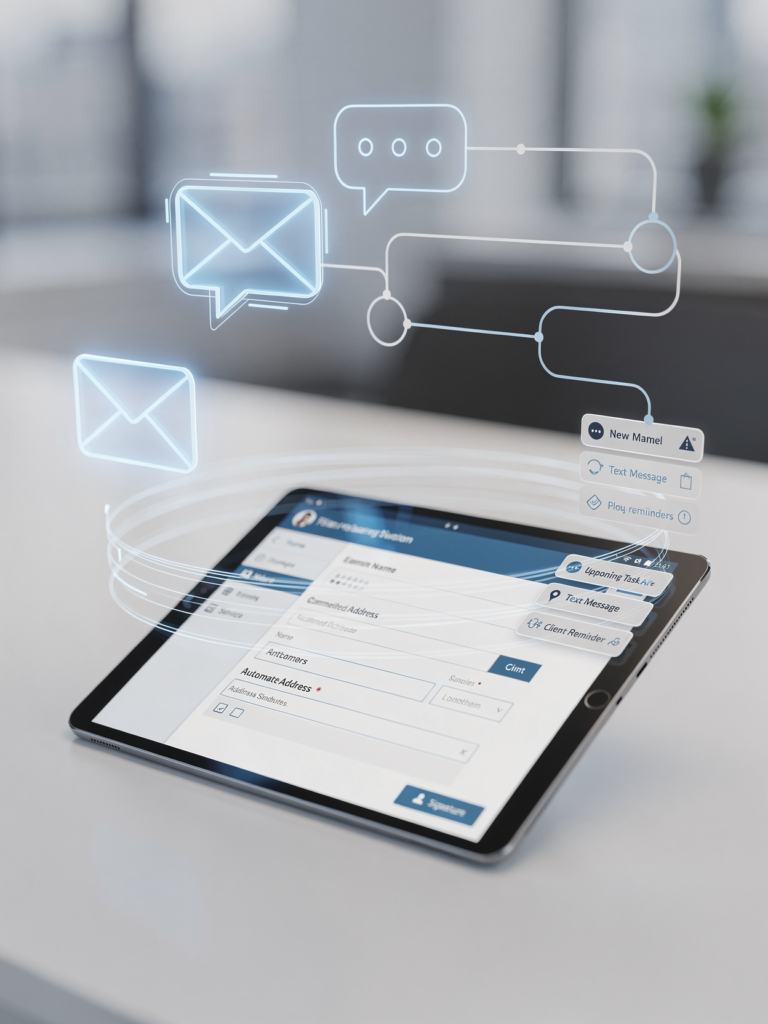
Build a form in Go High Level that asks key questions. Create an email and text message that delivers the form. Set up reminders that go out until the customer completes it.
Once they submit the form, an automation notifies your team via text or email. If the form isn’t completed within a set timeframe, the system creates a task in a staff member’s calendar for human follow-up.
This workflow runs forever. It handles the repetitive work while your team focuses on high-value tasks.
The Real Cost of Manual Work
Calculate how much time a human spends gathering information from customers—maybe 10 questions to understand their brand before starting a project.
Now calculate your cost for that time.
Build the automation once, and it runs indefinitely. The human now spends 10% of the time they used to spend. That’s not just cost savings—it’s profit opportunity. That freed-up time can generate revenue on other projects.
For small businesses where everyone wears multiple hats, this dual benefit compounds quickly.

Beyond the Basics: What AI Adds
Once your foundational automations are running, AI integration becomes the next layer.
AI agents can confirm appointments, send invoices, deliver checklists to technicians, and handle after-hours customer communication. They work with a knowledge base to answer common questions without human intervention.
More complex applications include inventory management—when something sells, the AI adds it to a reorder list automatically.
But you don’t start there. You start with missed call text-back. Then invoice reminders. Then appointment confirmations.
Build momentum with simple wins before tackling complex integrations.
Overcoming the Learning Curve
If automation feels intimidating, remember this: you’re building small, individual automations that do single things.
You’re not automating your entire business on day one.
Working with a consultant helps. At ATP Sales & Marketing, we guide clients through implementation step by step. We start with one or two automations. Buy back some time. Generate more positive reviews. Then tackle more complex tasks once you’re comfortable.
The learning curve isn’t steep when you take it incrementally.
What This Looks Like in Practice
Think about transaction management. Document signing. NDAs that every customer needs to sign before you start work.
When you move someone into a specific deal stage in your CRM (customer relationship management system—the system that tracks leads, deals, and customer activity), the document goes out automatically.
Review requests? Automated with Go High Level review bots after project completion.
Testimonials and referral requests? Automated.
Social media posting? Automated.
These aren’t future possibilities. These capabilities exist right now.
The Awareness Problem
The biggest thing slowing down business owners isn’t technology. It’s that they don’t know this stuff exists.
You don’t need to be at the bleeding edge. Automations have been around for 10 years. The shift happening in 2025-2026 isn’t about new capabilities—it’s about wider adoption of existing tools.
It’s like the difference between sending a letter and sending an email. Sure, the letter works. But by the time it arrives, you could have had an entire email conversation.
Manual invoicing works. But automated invoicing frees you up to generate revenue elsewhere.
Getting Started: Your Next Step
Look at anything you do every day. How could you improve it? What’s involved from your end?
Then plug in small automations to support those tasks.
Start with the three we covered: missed call text-back, invoice follow-up, and appointment confirmation. These deliver immediate value with minimal complexity.
ATP Sales & Marketing offers Go High Level with automation included for $100 CAD per month. Mention this article when you sign up, and we’ll throw in one free automation setup to get you started.
You don’t have to build it yourself. You don’t have to wait until you understand every technical detail.
You just have to start.
Because the small businesses breaking through revenue ceilings in 2025 and 2026 won’t be the ones with the newest technology. They’ll be the ones who finally implemented the automation that’s been available all along.
Ready to start with one simple automation?
Book a call to get set up.